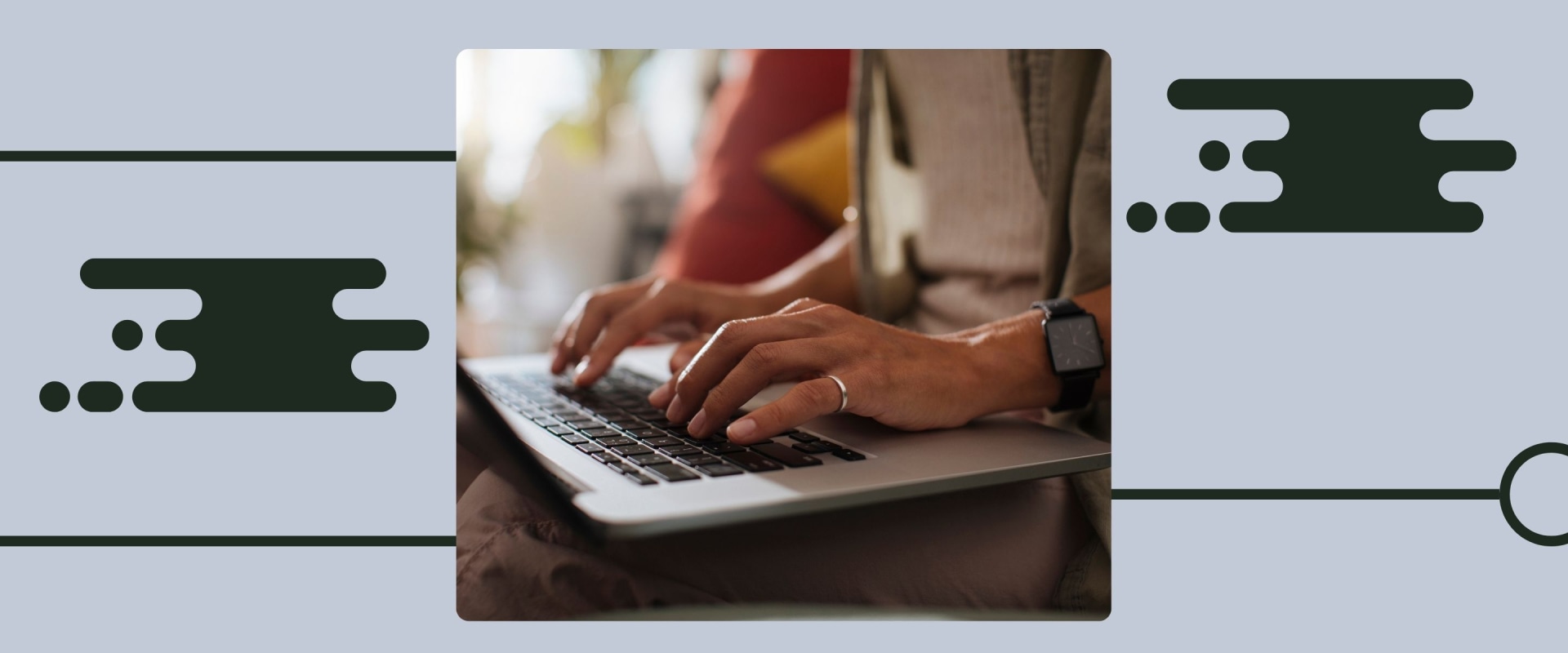
In a world that increasingly values speed and efficiency, mastering your typing speed is an essential skill that can significantly enhance your productivity. Whether you're a student, a professional, or simply someone who enjoys writing, understanding how to measure your typing speed with WPM (Words Per Minute) is crucial for tracking your progress and improving your performance. Have you ever wondered how fast you can type? Are you curious about how your typing skills stack up against others? With the rise of remote work and digital communication, the ability to type quickly and accurately has never been more important. This article delves into the concept of WPM, exploring its significance in the realm of typing speed tests and providing insights on how to improve this vital skill. As we embark on this journey to enhance your typing capabilities, we'll break down the factors that influence WPM, methods to measure it effectively, and tips for boosting your speed while maintaining accuracy.
Understanding WPM is not just about competing with others; it’s about recognizing your own potential and striving for personal improvement. So, if you're ready to take your typing skills to the next level, read on!To truly grasp the concept of WPM (Words Per Minute), it's essential to recognize that typing speed is not solely about how fast you can type. It encompasses several components, including speed and accuracy. While WPM measures the number of words typed in a minute, accuracy assesses how many of those words are correct.
An individual might type quickly, but if their accuracy is low, their effective communication may suffer. This balance between speed and accuracy is crucial for anyone looking to enhance their typing skills. The calculation of WPM is relatively straightforward. Typically, a standard word is defined as five characters long, including spaces and punctuation. To calculate your WPM, you take the total number of characters typed, divide that by five to get the number of words, and then multiply by the number of minutes spent typing.
For example, if you typed 300 characters in one minute, your WPM would be 60. However, it’s important to note that various factors can influence this number. Keyboard familiarity plays a significant role; the more accustomed you are to your keyboard layout, the quicker you'll be able to type. Additionally, your typing posture can affect both speed and accuracy.
Proper ergonomics can help prevent fatigue and discomfort, which can hinder performance. Understanding typical WPM benchmarks provides context for assessing your skills. Generally, a beginner might achieve around 20-30 WPM, while intermediate typists often range from 40-60 WPM. Advanced typists may clock in at 70 WPM or higher. Professional typists or those in specific fields may even exceed 100 WPM.
These benchmarks can serve as motivational targets for individuals seeking to improve their typing speed. A variety of online typing test platforms exist to help users measure and enhance their typing skills. Websites like Typing.com and 10FastFingers.com offer user-friendly interfaces for testing speed and These benchmarks can serve as motivational targets for individuals seeking to improve their typing speed. A variety of online typing test platforms exist to help users measure and enhance their typing skills. Websites like Typing.com and 10FastFingers.com offer user-friendly interfaces for testing speed and accuracy, along with various exercises and challenges. TypingClub.com provides structured lessons that guide users from beginner to advanced levels, focusing on proper finger placement and technique. Each platform has unique offerings; for instance, some allow users to compete against others in real-time typing races, while others provide detailed analytics on typing performance over time. Engaging practice exercises and games can make the learning process enjoyable while simultaneously boosting both speed and accuracy.
Typing games like TypeRacer and Nitrotype turn typing practice into a competitive experience, allowing users to race against friends or strangers while honing their skills. These interactive formats can help maintain motivation and commitment to improvement. Testimonials from individuals who have successfully improved their typing speeds can add credibility to these methods. For example, one user shared how using Typing.com helped them increase their WPM from 25 to 50 within just a few weeks through consistent practice and engaging lessons. Another person recounted how participating in online competitions pushed them to focus on both speed and accuracy, resulting in an impressive increase in their typing proficiency. Despite the emphasis on speed in many discussions about typing tests, it's crucial to address common misconceptions.
Some believe that achieving a high WPM is the only metric that matters; however, this perspective overlooks the importance of accuracy. Speed without accuracy can lead to errors that compromise communication quality. Therefore, striving for a balance between these two components should be the ultimate goal for anyone seeking to master their typing skills. In summary, understanding WPM, its calculation, and its relationship with accuracy, alongside familiarization with various platforms and engaging practice methods, plays a pivotal role in mastering typing speed. By focusing on both elements and setting realistic benchmarks based on skill levels, individuals can embark on a rewarding journey toward becoming proficient typists.
Fun Ways to Enhance Typing Skills
Improving your typing speed doesn't have to be a tedious task.In fact, there are numerous typing games and challenges that can make the process enjoyable and engaging. These activities not only help you practice but also motivate you to reach your WPM goals in a fun way. One popular option is to explore online typing games, which are designed to sharpen your skills while keeping you entertained. Websites like Typing.com and Nitrotype offer interactive platforms where you can compete against other players or race against the clock. These games often feature various levels of difficulty, allowing you to progress as your skills improve. Another effective method is participating in typing challenges.
Many typing communities host regular competitions where participants can test their speed and accuracy. These challenges often come with leaderboards, providing a sense of achievement and encouraging friendly competition among peers. Additionally, consider using apps like Keybr or TypingClub, which offer gamified experiences with lessons that adapt to your skill level. These apps often include fun visuals and rewards for completing tasks, making learning more appealing. Finally, turning typing practice into a social activity can enhance your experience. Organize a typing tournament with friends or family members, where everyone can showcase their skills while enjoying some light-hearted competition.
This not only makes the practice more enjoyable but also fosters a supportive environment for improvement.
What is WPM and Why Does It Matter?
WPM, or Words Per Minute, is a standard measurement used to quantify typing speed. It calculates how many words a person can type accurately in one minute, providing a clear benchmark for evaluating typing proficiency. The formula for calculating WPM is straightforward: the number of correctly typed words is divided by the time taken in minutes. For example, if you type 100 words in 5 minutes, your WPM would be 20. In today's digital world, where communication often occurs through written text, understanding WPM is crucial for several reasons.First, it directly impacts productivity. Whether you're drafting emails, writing reports, or composing academic papers, being able to type quickly and accurately can save you valuable time. In many professional environments, high typing speed is not only appreciated but often expected. Additionally, WPM plays a vital role during job applications. Many employers assess candidates based on their typing skills, especially for positions that require extensive data entry or written communication.
Demonstrating a high WPM can set you apart from other applicants, showcasing your efficiency and attention to detail. Moreover, in academic settings, students often encounter timed assessments that require quick thinking and rapid writing. Understanding your WPM can help you manage your time effectively during exams and ensure you can complete all sections of a test. Ultimately, mastering your typing speed by understanding WPM can enhance not just your personal efficiency but also your professional opportunities and academic success.
How to Measure Your Typing Speed
Measuring your typing speed is essential for tracking your progress and understanding your current skill level. There are several methods and tools available that can help you effectively measure your WPM (Words Per Minute). Here are some popular options:1.Online Typing Tests: Many websites offer free typing tests that allow you to measure your speed in real time.These tests typically provide a passage of text for you to type, and they calculate your WPM based on the accuracy and speed of your input. Some popular sites include Typing.com, 10FastFingers.com, and Keybr.com.
2.Typing Software:
There are software applications designed specifically for practicing and measuring typing speed. Programs like TypingMaster and RapidTyping offer structured lessons and exercises while also providing detailed statistics about your performance, including WPM.3.Keyboard Shortcuts:
For those who work extensively with text editors or word processors, you can measure your typing speed manually by timing yourself as you type a specific text. Use a stopwatch to track how long it takes you to type a predetermined number of words, then calculate your WPM using the formula: (Total Words Typed / Time in Minutes).4.Mobile Apps:
If you prefer to practice on the go, many mobile apps are available for measuring typing speed.Apps like Typing Speed Test and Type Racer let you practice typing on your smartphone or tablet while tracking your WPM. These apps often include competitive features that allow you to challenge friends or other users.
5.Competitions and Challenges:
Joining typing competitions or challenges can also be a fun way to measure and improve your typing speed. Websites often host events where participants can compete against each other, providing a platform to test your skills while engaging with a community. By utilizing these methods and tools, you can effectively measure your WPM, identify areas for improvement, and track your progress as you work towards mastering your typing skills.Comparing Typing Test Platforms
When it comes to measuring your WPM (Words Per Minute), there are numerous typing test platforms available, each offering unique features and benefits. In this section, we will analyze a few popular platforms, highlighting their strengths and weaknesses.1.10FastFingers
: This platform is well-known for its straightforward interface and user-friendly experience.It offers typing tests in multiple languages and provides users with a variety of text options to practice. However, one downside is that it may lack advanced analytics for tracking long-term progress.
2.Typing.com
: Ideal for learners of all ages, Typing.com offers structured lessons alongside its typing tests. The platform includes a comprehensive dashboard that tracks your progress over time, making it easy to see improvements in your WPM. The only drawback might be that the interface can feel cluttered for some users due to the abundance of features.3.Keybr.com
: This platform focuses on improving typing skills through randomized texts that are tailored to your skill level.It emphasizes accuracy over speed, which can be beneficial for beginners. However, the lack of competitive elements may not engage users looking for a more gamified experience.
4.Nitrotype
: Nitrotype adds an element of fun to typing practice by incorporating racing games where users compete against others while typing. This competitive edge can motivate users to improve their WPM. On the downside, the focus on competition might distract some learners from mastering fundamental typing skills.5.TypeRacer
: Similar to Nitrotype, TypeRacer allows users to race against others in real-time typing competitions.It’s an exciting way to practice typing and track WPM. However, beginners may find it challenging to keep up with faster typists, which could be discouraging. In conclusion, each typing test platform has its own strengths and weaknesses. Depending on your personal preferences and learning style, you may find one platform more suitable than another for improving your WPM and overall typing skills.
Improving Your Typing Speed: Tips and Tools
Improving your typing speed is a valuable skill that can enhance both your personal and professional life. Here are some actionable tips to help you increase your WPM (Words Per Minute) effectively:1.Practice Regularly: Consistency is key when it comes to improving your typing speed.Set aside dedicated time each day to practice typing. Even 15-30 minutes a day can lead to significant improvements over time.2.Use Online Typing Tools:2.Use Online Typing Tools: Take advantage of numerous online resources designed specifically for typing practice. Websites like Typing.com, Keybr.com, and TypingTest.com offer free exercises and tests that can help you track your progress.
3.Focus on Accuracy First:
While speed is important, accuracy should be your primary focus initially. Aim to minimize errors as you type; this will help you develop muscle memory, allowing you to type faster without making mistakes.4.Utilize the Home Row Technique:
Familiarize yourself with the home row keys (A, S, D, F, J, K, L, and ;) and practice typing from there.This technique helps improve finger placement and overall typing efficiency.
5.Set Realistic Goals:
Establish achievable goals for your typing speed. For example, if you currently type at 30 WPM, aim to reach 40 WPM within a month. Gradually increase your goals as you improve.6.Take Typing Tests:
Regularly take typing tests to measure your progress. Websites such as TypingTest.com not only allow you to assess your speed but also provide feedback on areas that need improvement.7.Minimize Distractions:
Create a comfortable typing environment free from distractions.This will help you concentrate better and enhance your typing performance.
8.Explore Typing Games:
Make learning fun by incorporating typing games into your practice routine. Platforms like Nitrotype and TypingClub offer engaging ways to improve your skills while enjoying the process. By implementing these tips and utilizing the recommended tools, you can significantly enhance your typing speed and efficiency, ultimately leading to improved performance in various personal and professional tasks. In conclusion, understanding WPM (Words Per Minute) is crucial for anyone aiming to enhance their typing skills. Throughout this article, we have explored what WPM is and why it matters, how to accurately measure your typing speed, and various strategies to improve it. We also discussed fun ways to enhance your typing skills and compared different typing test platforms.Regularly measuring and improving your typing speed not only boosts your efficiency but also empowers you in personal and professional scenarios. We encourage you to take the first step on your typing journey by trying out a typing test or practicing with one of the recommended tools mentioned earlier. Set personal goals for your typing speed journey, and remember that every bit of practice brings you closer to mastering your typing skills!.